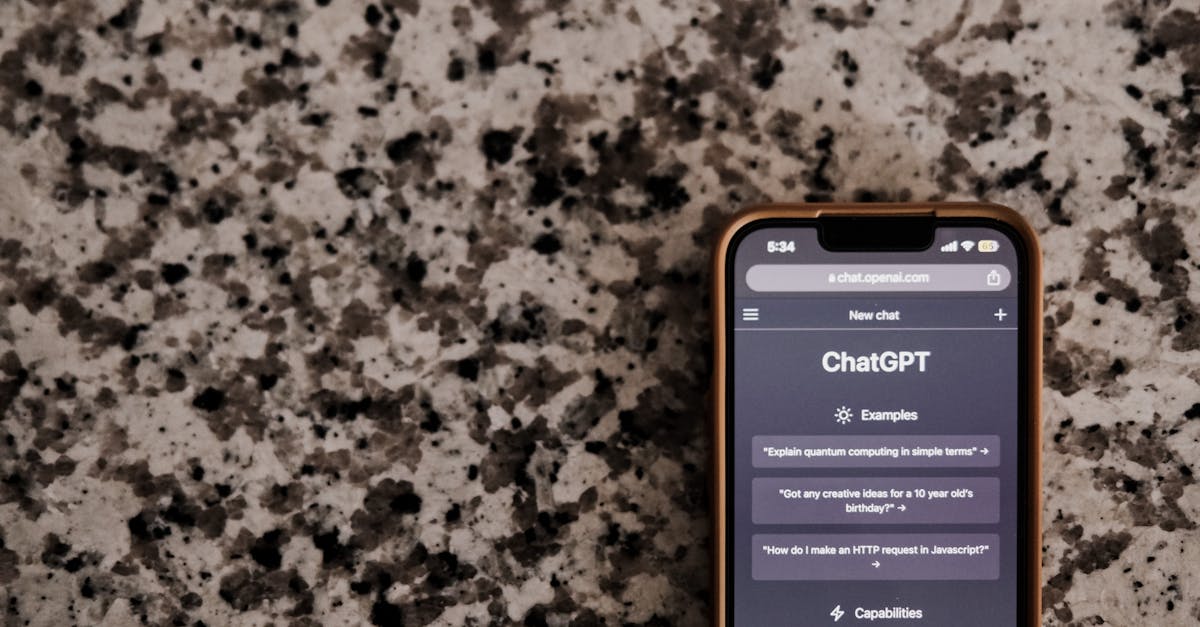
Have you ever noticed your chatbot repeating itself after a period of inactivity? You’re not alone. I’ve been digging into this issue, and it seems like a common problem many developers face when running local chatbot models on their servers. The chatbot will sometimes repeat its last message instead of responding properly after being idle for a while.
So, what’s going on here? It feels like some memory state gets dropped or confused when the chatbot wakes up again. I’ve tried a few fixes like keeping the session alive, trimming context history, and setting a timeout for idle periods, but the issue persists.
If you’re experiencing the same problem, don’t worry – you’re not doing anything wrong. It’s just that chatbots, especially those running on local models, can be a bit finicky. To tackle this, let’s go over some potential solutions:
* Implementing a more robust session management system to prevent memory loss during idle periods.
* Adjusting the context history to ensure the chatbot doesn’t get confused about its previous conversations.
* Setting up a more efficient timeout system to handle idle times without disrupting the chatbot’s functionality.
It’s essential to remember that chatbots are constantly evolving, and these kinds of issues are par for the course. By sharing our experiences and solutions, we can work together to create more efficient and user-friendly chatbots.
What are your thoughts on this? Have you found any creative solutions to this problem? Share your stories, and let’s keep the conversation going.
发表回复